Checking takes your evenings.
Stacks of papers, one red pen, one teacher. Every quiz, every section, every grading period.

 SDO Bukidnon · Free for DepEd Teachers
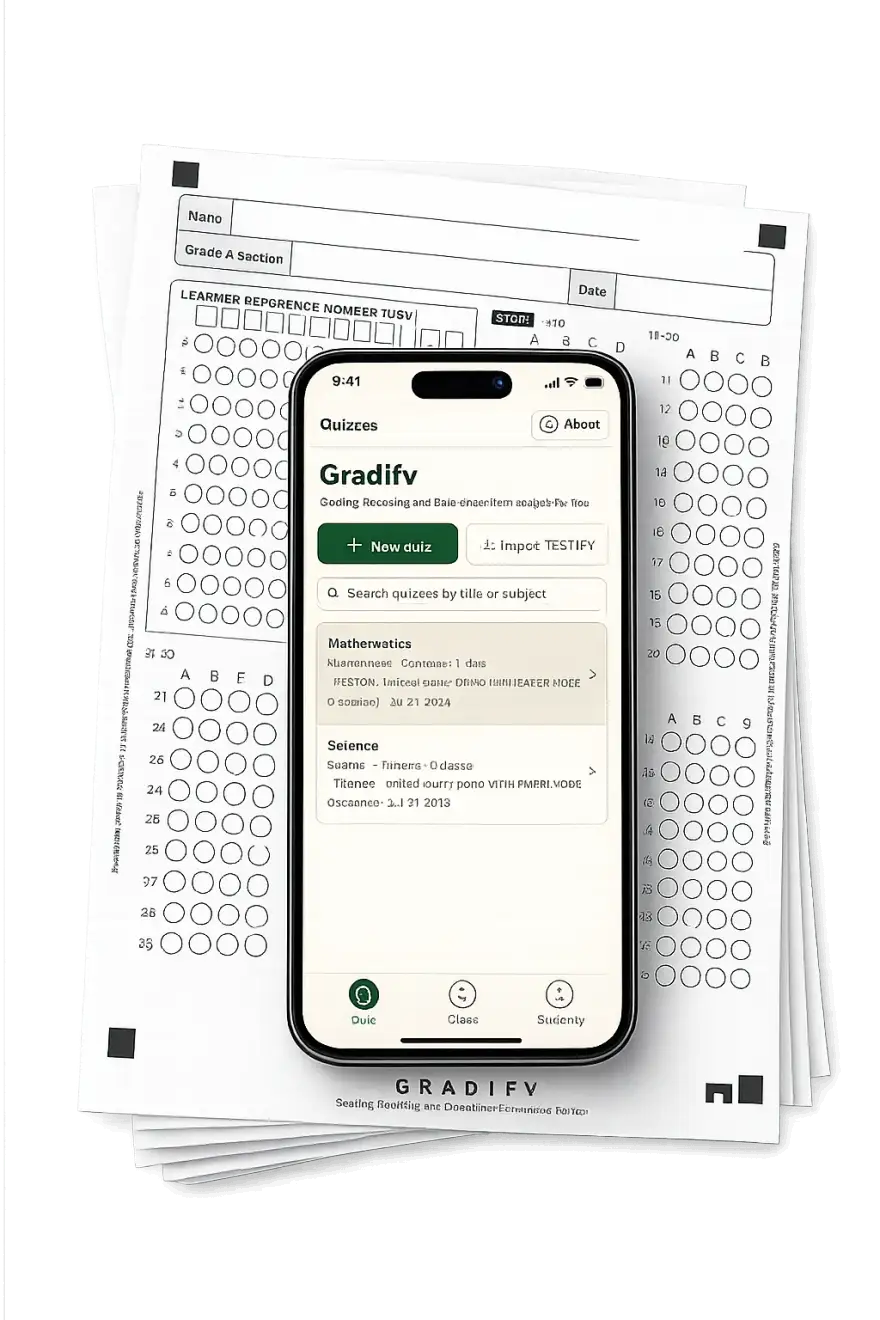
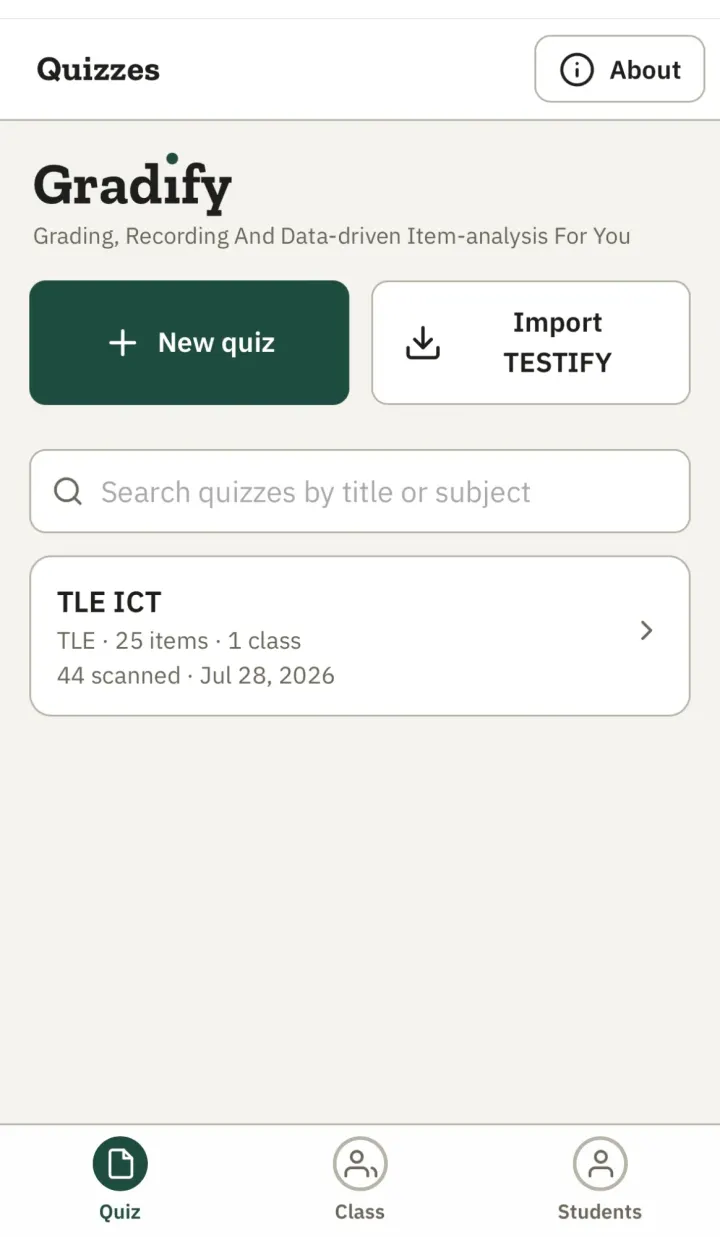
GRADIFY scans multiple-choice bubble sheets with your phone camera — then gives you scores, item analysis, and the exact list of learners who need remediation, per competency. No internet, no account, no cost.
Free for DepEd teachers · Works on Android & iPhone · No account needed
Coming soon to the Play Store and App Store.
Para sa gurong Pilipino.
The part nobody sees
Stacks of papers, one red pen, one teacher. Every quiz, every section, every grading period.
Scores checked once, then re-encoded by hand into class records and Excel — twice the work for the same numbers.
Item analysis and remediation lists by hand are so tedious they're often skipped — so the data that should drive re-teaching never gets used.
GRADIFY was built by a teacher who lived this — so you don't have to.
How it works
You've already given the quiz. GRADIFY handles the rest — checking, recording, item analysis, and the list of learners who need you most.
Download the official bubble sheet matching your test length (20–100 items) and photocopy it. Learners shade their answers and their 12-digit LRN.
Bubble your answer key on the same sheet and scan it — or tap it in manually. Edit the key later and everything re-scores automatically.
Point your camera; the on-screen guide helps you align. Each capture grades one paper instantly and matches the learner by LRN.
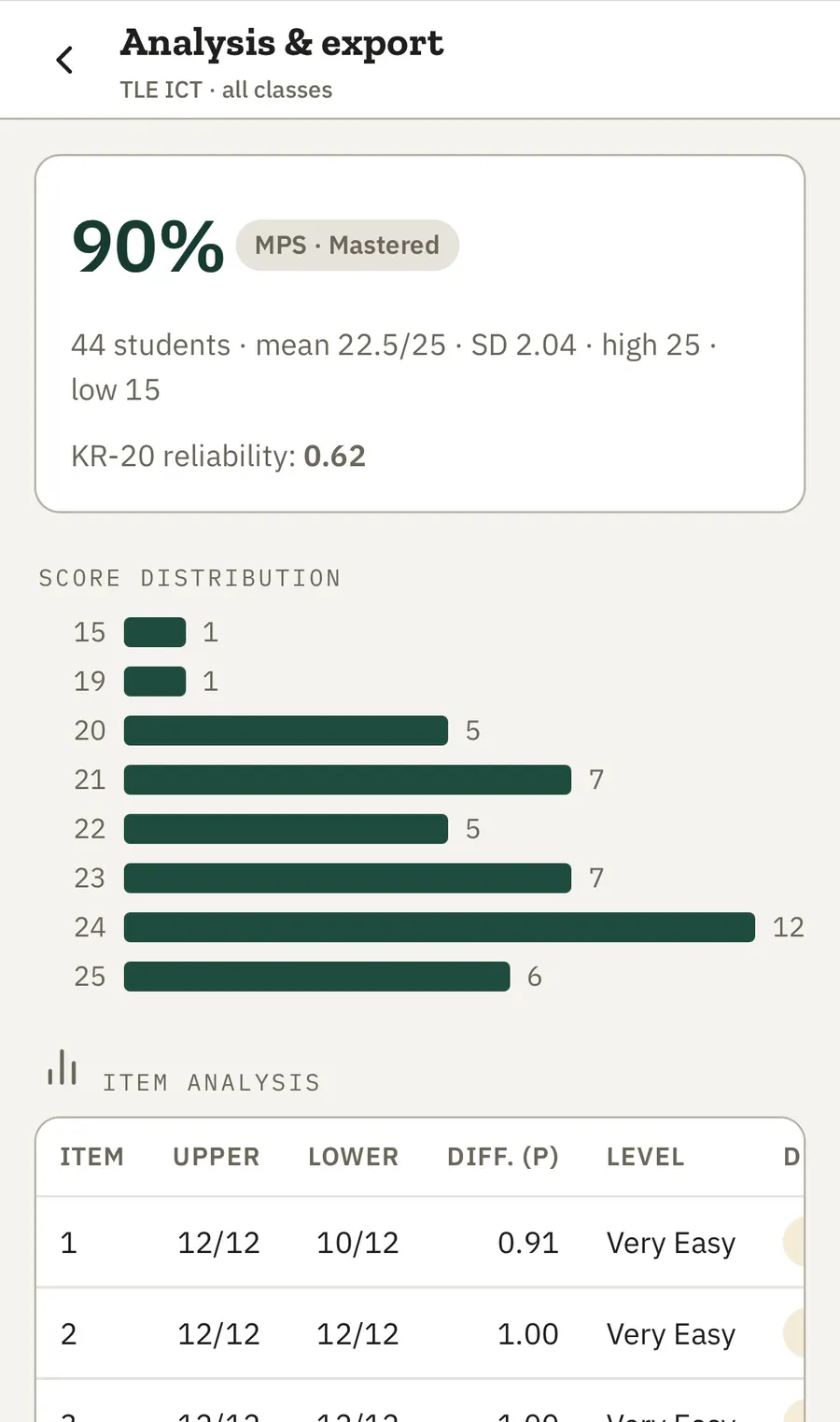
Scores, MPS, item analysis, and per-competency remediation lists — printable on A4 or exportable to Excel, with your school header and signature block.
Built for real classrooms
Scan in the classroom, the gym, or the farthest sitio. After the first load, no signal is needed — including scanning.
GRADIFY compares shading within each question instead of using a fixed darkness cutoff — built for real papers, not perfect ones.
Doubtful marks — double-shaded, blank, faint — are flagged for your review and never guessed. You stay the final checker.
Automatic matching by 12-digit LRN against your class roster — with bulk paste and CSV import to set it up fast.
Difficulty, discrimination, point-biserial, distractor analysis, and retain/revise/reject decisions per question — plus MPS and KR-20 reliability.
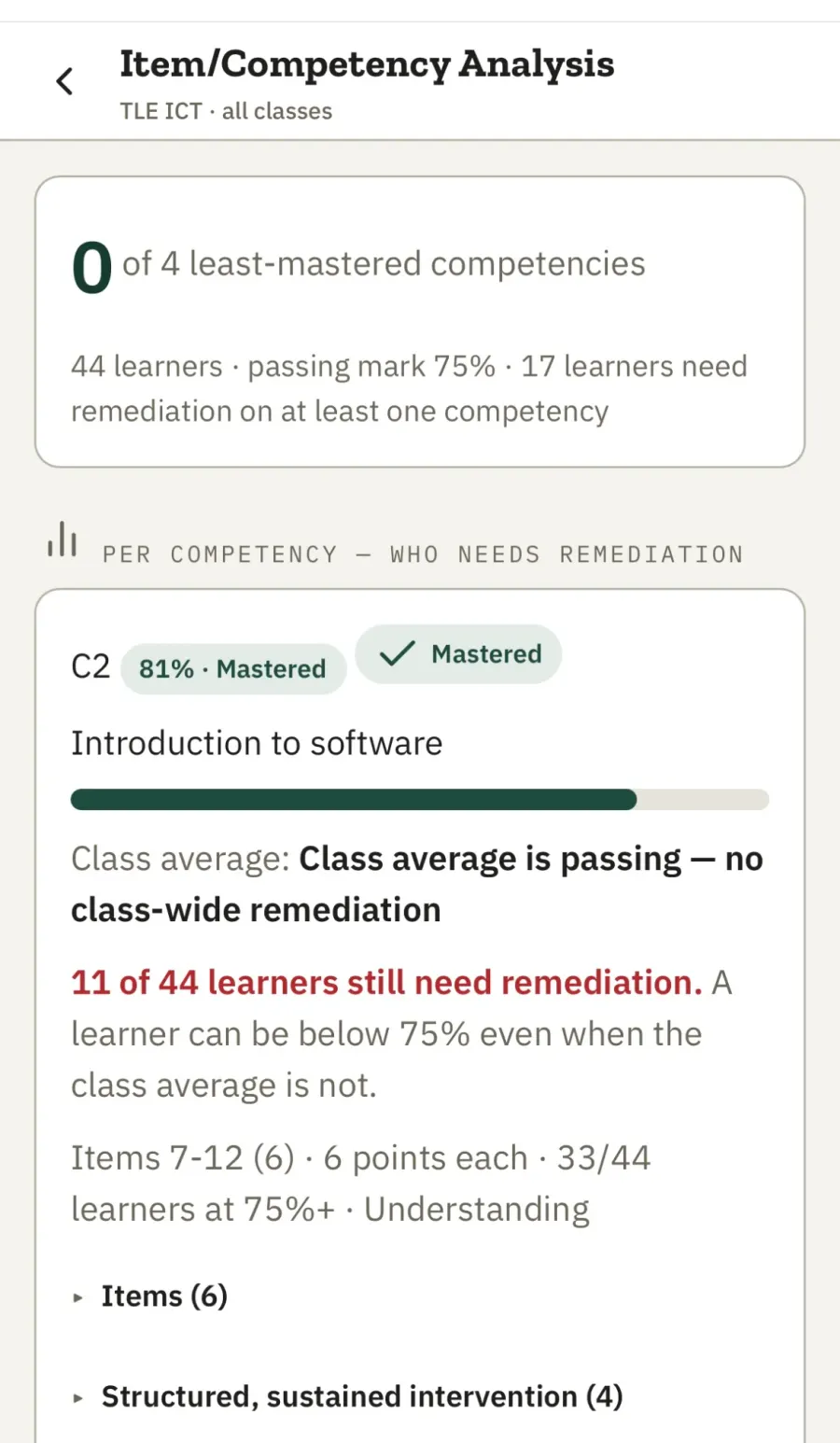
Map your Table of Specifications and see class mastery per competency — plus each learner's least-mastered competencies with DepEd intervention tiers.
A4 printable and Excel outputs with your school details and signature lines already in place. CSV export too.
Learner data stays on your phone unless you export it. No server, no upload, no account.
The real power
A score tells you who passed. GRADIFY tells you what to re-teach, and to whom.
Map your test items to learning competencies and GRADIFY produces the remediation roster for you — per competency, per learner, sorted weakest first, aligned to the DepEd intervention tiers (SY 2026–2027 grading reference, 75 passing mark).
Every learner gets a report of mastered and least-mastered competencies, so your re-teaching plan writes itself.
SY 2026–2027 adjusted grading reference · 75 passing mark
Trust & privacy
All records are stored on the device. Nothing is uploaded automatically — there is no account and no server collecting data. Sharing happens only when you export a report yourself.
A division innovation — made by a teacher, for teachers, and shaped by how checking actually happens in our schools.
No subscription, no per-scan fees, no ads. Free for DepEd teachers, period.
FAQ
Yes — free for DepEd teachers. No subscription, no limits on scans.
Only to open the app the first time. After that it works fully offline — including scanning and reports.
No. Open gradify-app.sdobukidnon.org in your phone browser. You can add it to your home screen for quick access. Play Store / App Store releases are coming soon.
Any recent Android phone or iPhone with a camera, using Chrome or Safari.
Yes. GRADIFY compares shading within each question, so even light pencil marks are detected reliably. Doubtful marks are flagged for your review.
Only the nine official GRADIFY bubble sheets (20, 25, 30, 35, 40, 50, 60, 75, and 100 items; options A–D). Download them on the Bubble Sheets page and photocopy freely. Custom or hand-drawn sheets will not scan.
It's marked for your review and scored zero unless you correct it — GRADIFY never guesses.
On your phone only. Nothing is sent anywhere unless you export or share a report yourself.
Your class roster with LRNs (typed in, pasted, or imported from CSV), your answer key, and printed bubble sheets.
Yes — every scanned paper can be reviewed, corrected, and re-scored, and fixing an answer key re-scores everything automatically.

GRADIFY is developed by Sunny Jay P. Sabuero, Teacher V at San Miguel National High School and ICT Coordinator, Schools Division of Bukidnon — built from the classroom, for the classroom.
Ready when you are
Open GRADIFY on the phone already in your pocket, print a bubble sheet, and scan your first paper today.
Free for DepEd teachers · Works on Android & iPhone · No account needed